
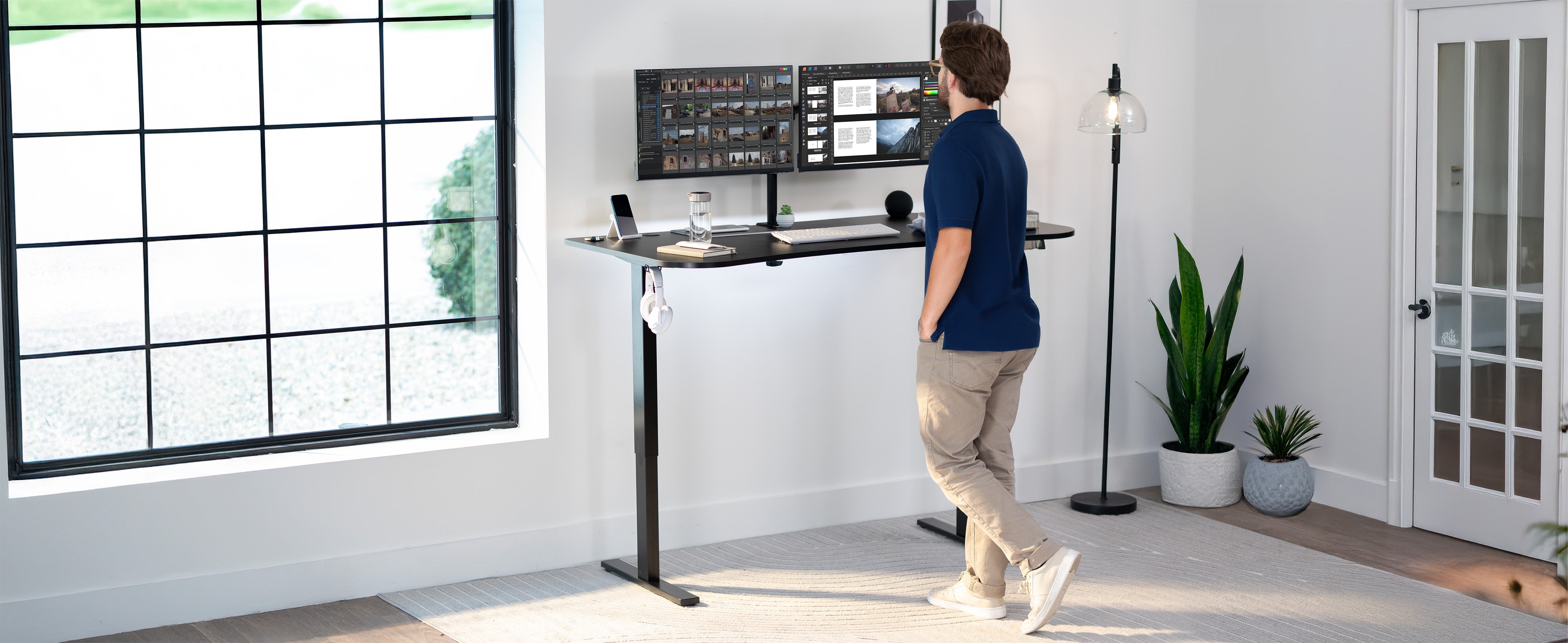
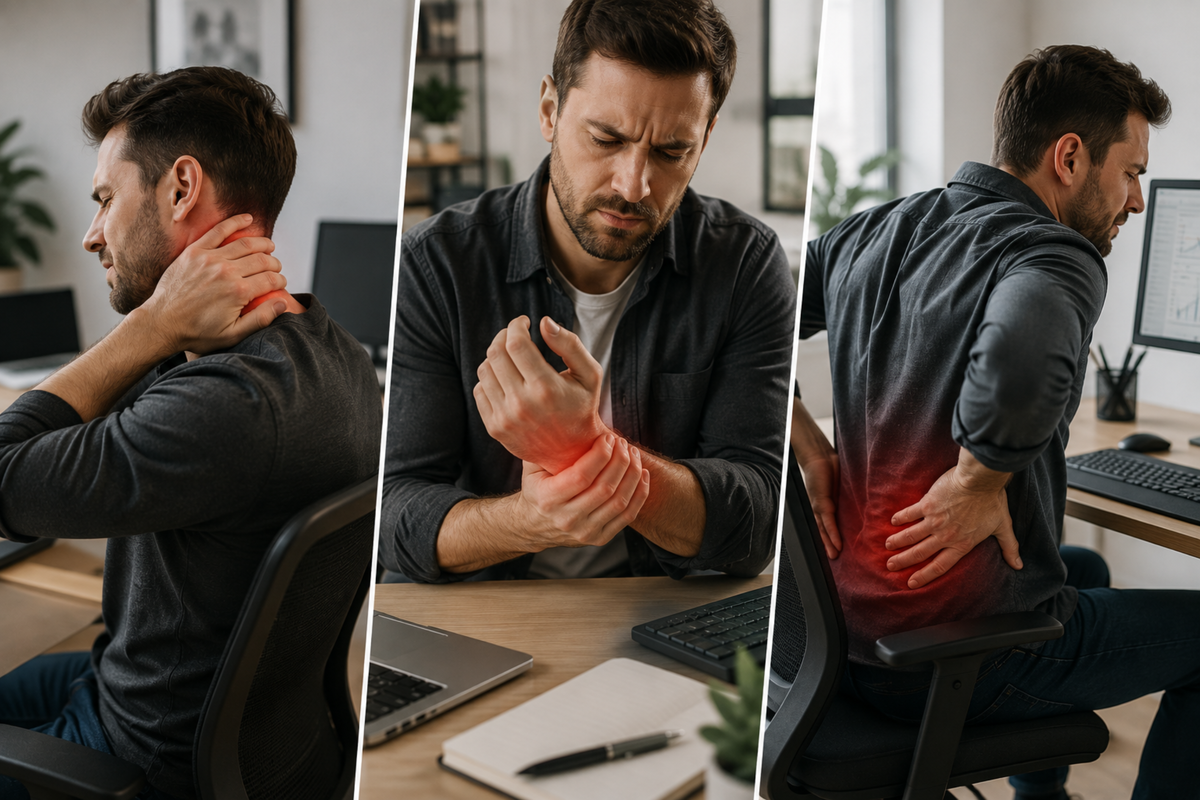
You sit down at your desk, open your laptop, and get to work. A few hours later, your neck feels tight, your eyes are burning, and you're doing that subtle slouch thing where your shoulders are practically at your ears. Sound familiar? Most people chalk this up to stress or a long day. But the truth is, your body is tracking every poor posture habit, every awkward screen angle, and every hour spent in a chair that doesn't support you. And it's keeping score.
The physical toll of a bad desk setup is real, documented, and largely preventable. If you've been pushing through discomfort without addressing the root cause, this is your sign to take a closer look at what's actually going on.
The Neck Knows: Why Neck Strain Is the #1 Desk Injury You're Ignoring
Your head weighs roughly 10 to 12 pounds when it's balanced directly over your spine. But for every inch it tilts forward (as it does when you're staring down at a laptop or low monitor), the effective strain on your neck muscles increases dramatically. By the time your chin is just a few inches forward from neutral position, your neck is managing the equivalent of 40 to 60 pounds of force. That's not a metaphor. That's physics working against you every single day.
This forward head posture, often called "tech neck," leads to chronic tightness in the trapezius and levator scapulae muscles, and over time can contribute to cervical spine issues, tension headaches, and nerve compression. The frustrating part is that most people don't notice it building. It starts as a mild ache by day's end and slowly becomes a constant background presence in their workday.
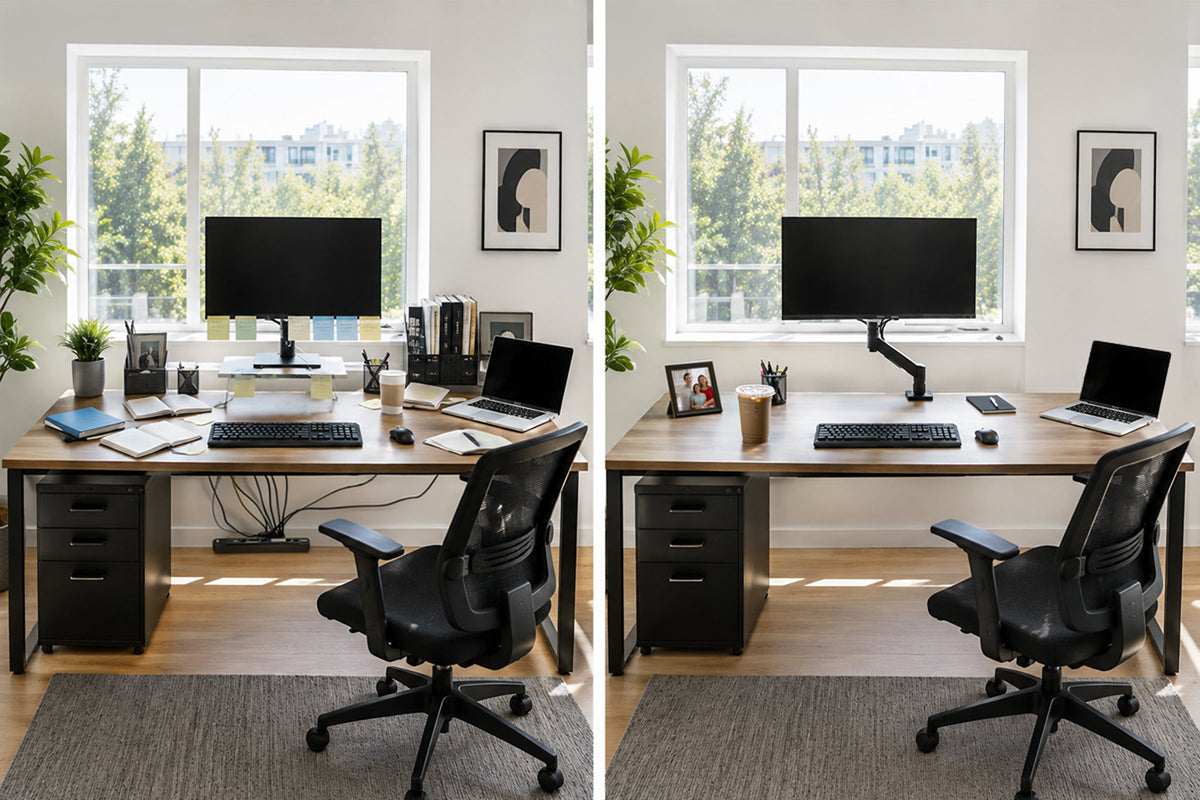
The fix starts at screen height. Your monitor should be positioned so that the top of the screen sits at or just below eye level when you're seated comfortably upright. If you're hunching forward to see your screen clearly, your display is too low, too far, or both.
Your Eyes Didn't Sign Up for This: The Science Behind Digital Eye Strain
Humans blink about 15 to 20 times per minute under normal circumstances. In front of a screen, that rate drops by nearly half. Less blinking means less moisture across the eye's surface, and after several hours, the result is that dry, gritty, heavy-lidded feeling that no amount of eye drops seems to fully fix.
Digital eye strain (also called Computer Vision Syndrome) goes beyond dryness. Symptoms include blurred vision, difficulty refocusing between near and far objects, light sensitivity, and headaches that seem to originate just behind the eyes. These aren't signs that you need stronger glasses. They're typically signs that your screen setup is working against your visual system.
Screen distance matters as much as screen height. The general recommendation is to keep your display about an arm's length away (roughly 20 to 28 inches from your face). Text that's too small forces you to lean in. Glare and harsh room lighting create constant visual contrast that your eyes have to compensate for. Screens positioned to the side rather than directly in front introduce asymmetrical eye strain over time.
Beyond screen placement, the 20-20-20 rule is worth building into your routine: every 20 minutes, look at something 20 feet away for 20 seconds. It's a simple reset that gives your ciliary muscles (the ones that control focus) a chance to relax.
The Posture Problem Nobody Talks About Until It's Already a Problem
Posture isn't just about how you look. It affects how you breathe, how you concentrate, and how much energy you have by the end of the day. When you slouch at a desk, your diaphragm has less room to expand, which means shallower breaths and less oxygen delivery to your brain. That afternoon mental fog? It might have less to do with your lunch and more to do with the fact that you've been compressing your lungs for six hours.
Sitting in a sustained position, even a correct one, also reduces blood circulation to the lower body. The muscles of your glutes and lower back begin to deactivate from underuse, and your hip flexors tighten from being in a shortened position all day. Over years, this contributes to lower back pain that doesn't resolve with stretching alone because the structural habits reinforcing it are still in place every workday.
There's a reason standing desks moved from "trendy perk" to "standard recommendation" so quickly. The research is consistent: alternating between sitting and standing throughout the day reduces musculoskeletal discomfort, improves energy levels, and positively affects long-term cardiovascular health. You're not meant to stand all day either, but movement between positions is significantly better than locked-in sitting.
The Laptop Trap: Why Your Portable Device Is the Worst Ergonomic Offender
Laptops were designed for portability, not comfort. The screen and keyboard are physically attached to each other, which means you can never achieve the correct screen height and correct keyboard position at the same time. Raise the screen to eye level, and your arms are elevated uncomfortably. Keep the keyboard at the right height, and you're looking straight down at the screen, loading your neck with all that compressive force we covered earlier.
This is a compromise that millions of people accept as just "how working on a laptop is." But it doesn't have to be. A laptop stand elevates your screen to eye level, while an external keyboard and mouse bring your input devices to the right height for your arms. You get all the processing power of your laptop with an ergonomic layout that doesn't punish you for using it.
This setup is especially relevant for remote workers and people who split their time between the office and home. The investment in even a basic laptop stand and external peripherals pays off quickly in reduced discomfort and fewer end-of-day headaches.
Small Changes, Real Results: Where to Start If You're Overwhelmed
You don't have to rebuild your entire workspace in a weekend. Ergonomic improvement is a process, and even incremental changes add up over time. Start with what's creating the most immediate discomfort. If your neck is your biggest complaint, screen height is your first priority. If your back hurts by midday, look at your chair height, foot support, and whether you have any option to stand for portions of your day.
A quick self-check: sit in your normal working position right now. Is your screen at eye level? Are your forearms roughly parallel to the floor when your hands are on the keyboard? Are your feet flat on the floor or on a footrest? Is there lumbar support behind your lower back? If you answered no to more than one of those, you have clear starting points.
The goal isn't perfection. It's reducing the cumulative load on your body so that eight hours at a desk doesn't feel like a physical event you need to recover from.
Your Workspace Is an Investment in How You Feel Every Day
Ergonomics gets dismissed as a corporate buzzword or a luxury consideration. It isn't. The way you set up your workspace directly affects your physical health, your ability to focus, and your long-term quality of life outside of work hours. Pain that starts at the desk follows you home. Fatigue that builds through a poorly configured workday affects your sleep, your mood, and your relationships.
Getting your setup right is one of the highest-return investments you can make in yourself, especially if you're spending 40 or more hours a week at a desk. The equipment doesn't have to be expensive. It just has to be intentional.
Browse VIVO's full range of ergonomic workspace solutions, including monitor arms, sit-stand desk frames, desktop converters, and laptop stands to find the pieces that fit your setup and your budget. Your body will notice the difference faster than you think.

Share:
Your Gaming PC Belongs on the Wall: Meet the MOUNT-PC07WL
Upgrade Your Setup Without Blowing Your Budget: The Best Desk Accessories Under $50