
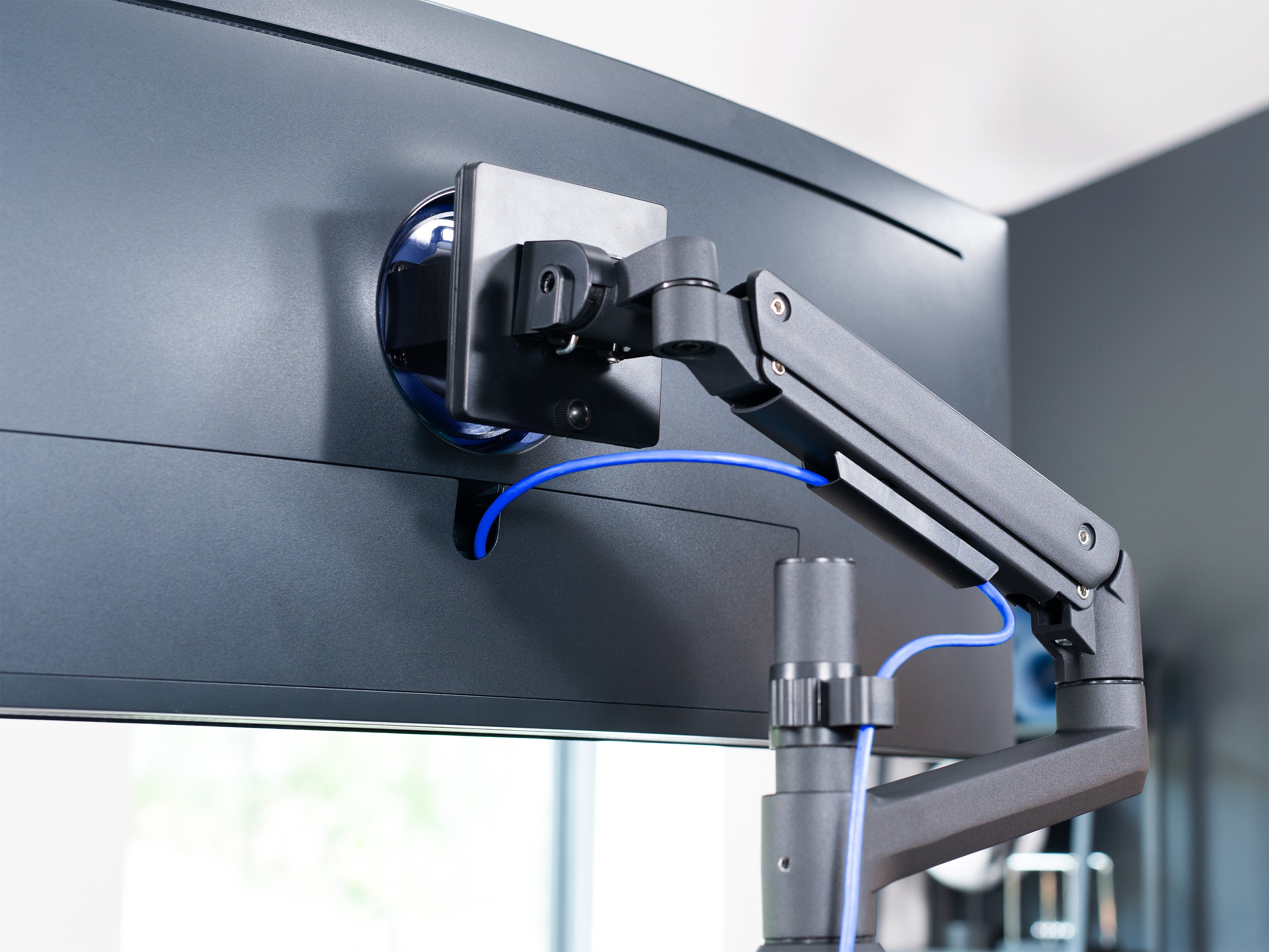
If you’re looking to purchase an aftermarket mount for your computer monitor or television, you’ve probably come across the phrases “VESA compliant” or “fits VESA standards.” Industry terms can be confusing, and sometimes, they raise more questions than they answer.
What does VESA mean? What are these measurements that are listed? How can you figure out which mount is compatible with your screen? The answers are actually quite simple, and by the end of this post you should know exactly what to look for to ensure you’re purchasing a mount that fits your screen.
What are VESA mounting patterns?
VESA mounting patterns are the standardized measurements used to mount screens to universal monitor mounts, TV stands, or wall mounts. VESA is an acronym for Video Electronics Standards Association, which is an organization dedicated to creating standards in the consumer electronics industry.
You can find the VESA mounting pattern on the back of your computer monitor or TV screen in the form of four holes, each of which contain a female bolt threading. These holes will be positioned to make a rectangular shape. Each threading makes up a corner.
How do I find the VESA compatibility for my screen?
Often, your VESA compatibility can be found in the manual or product information that came with your monitor or TV screen. If you no longer have the manual, you should be able to find it online by searching the web for the specific model of your screen.
But if you’re having trouble finding it, or you just prefer the more hands-on approach, measuring the VESA pattern yourself is quick and easy.
- Measure (in millimeters) the distance between the top and bottom holes on the back of your screen.
- Measure the distance between the left and right holes. Put those numbers right next to each other, and you have your VESA pattern!

Most standard computer monitors are 100mm x 100mm, but some models vary in size, ranging from 75mm x 75mm all the way up to 200mm x 200mm. TV screens have an even larger range, measuring up to 800mm x 400mm and beyond! Generally speaking, the larger the screen, the larger the VESA measurements.
What if my screen doesn’t have a VESA mount?
Sometimes a particular model of screen doesn’t have a VESA pattern. Instead, it has a proprietary mounting design that is only compatible with monitor mounts designed specifically for that particular line. This is more common with computer monitors than TV screens.
If this is the case for your screen, don’t worry!There is a wide range of VESA adapters you can purchase. Even if your particular model doesn’t have an adapter designed for its specific mounting mechanism, we offer some universal VESA adapters that fit the majority of monitors on the market.
Making sure your monitor is properly compatible with the monitor mount you’re purchasing may be one of the most important parts of making that purchase- but it’s far from the only consideration you need to make. If you’re not sure what else you need to allow for, read our comprehensive guide to buying a monitor stand.


Share:
3 Tips for Efficient Cable Management
Working from Home - Create your Office Setup